
16-App Registry
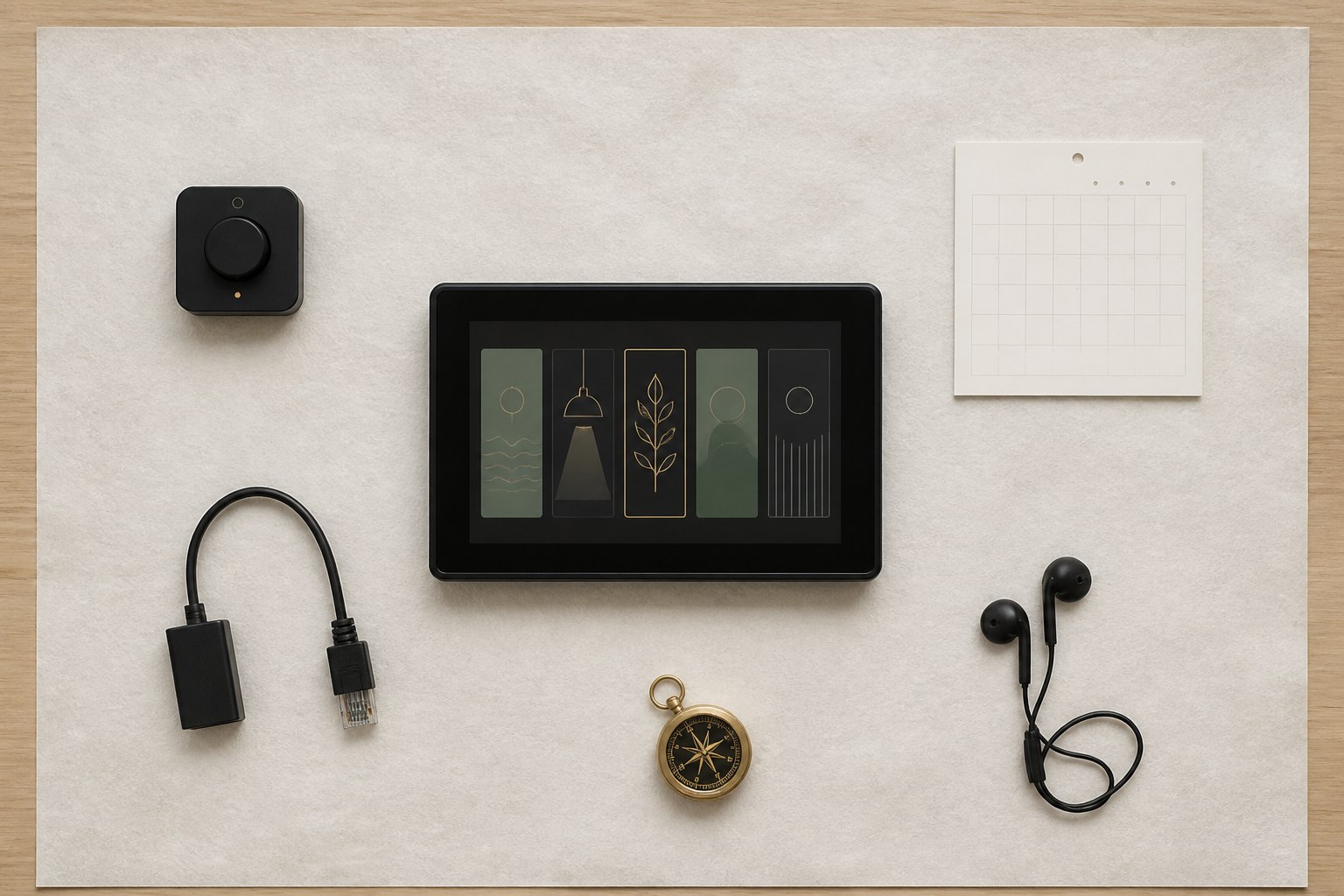
One static source of truth drives launcher tiles, detail sheets, status, and the quick-launch dock.
A 16-app ESP-IDF and LVGL personal operating system for M5Stack Tab5, with one shared SD-card content engine.
MOD.01 / ENTRY 02
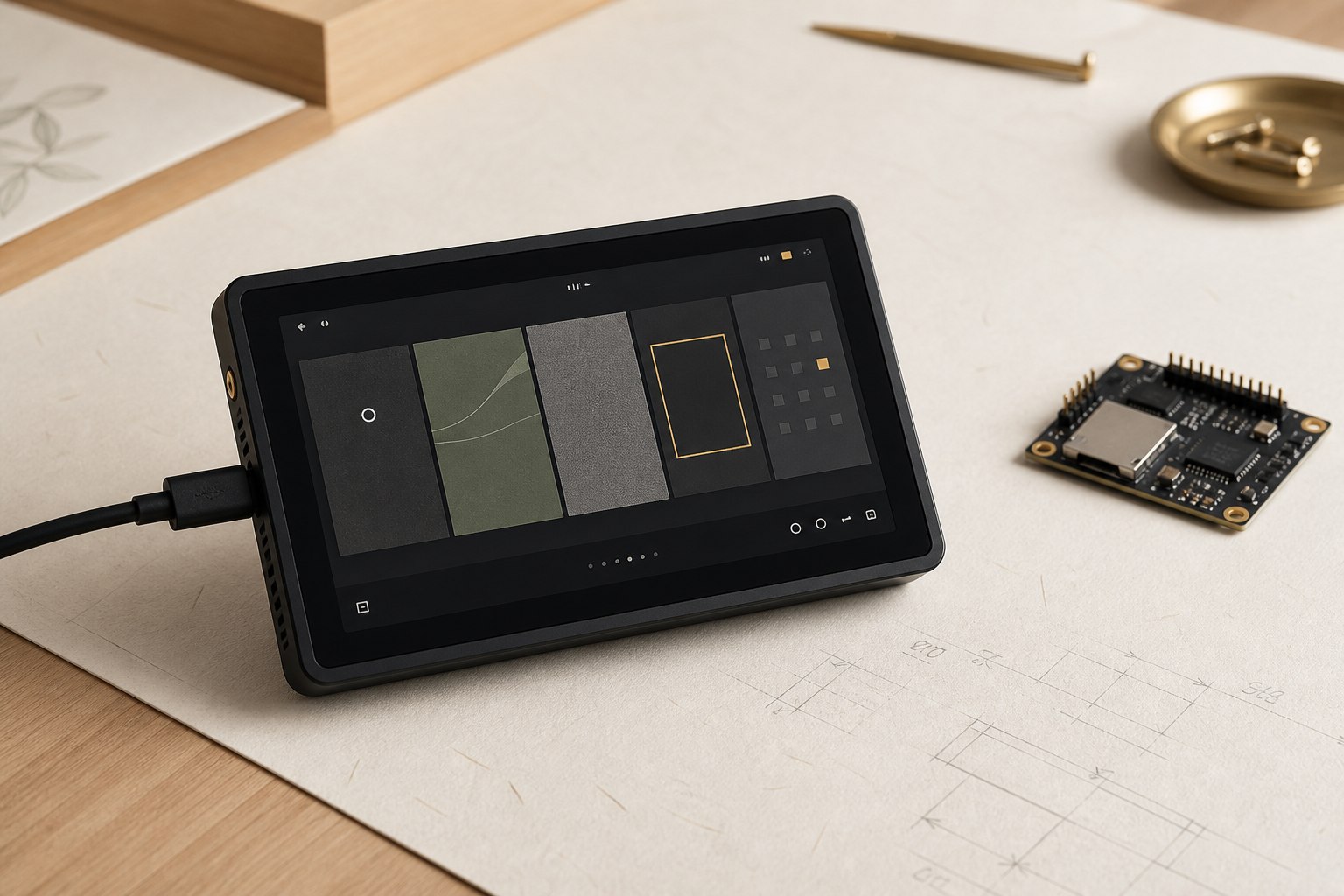
A 16-app personal operating system built for the Tab5—not a collection of disconnected demos.
Claude's firmware archive is now preserved here as the primary project record. It defines a portrait 720 × 1280 launcher, a real Chrono-Deck app, a shared SD-card content engine for the five MATCH modules, and an intentionally concealed device signature. Hardware-dependent telemetry remains clearly marked in source as future work.
[ 01 / SYSTEM SHAPE ]
05 FUNCTIONS
One static source of truth drives launcher tiles, detail sheets, status, and the quick-launch dock.
Tap to open, hold for details, filter by group, queue a build, and move through a managed back stack.
The fully implemented default face combines time, system state, and honest telemetry placeholders.
Journey, Kitchen, Works, Studio, and Living read separate JSON folders from the SD card without reflashing.
Seven taps on the wordmark within four seconds reveal an unregistered, local-only signature screen.
[ 02 / BUILD STATE ]
SOURCE-VERIFIED
Launcher, tile/detail system, navigation, Chrono-Deck, SD mounting, and the shared module content engine exist in source.
RTC and SNTP write-back, battery, temperature, CPU load, live weather, FFT, and checklist persistence remain TODOs.
35 files · ~3,986 lines · 16 registered apps · 5 content modules · dual OTA partition layout.
[ 03 / ESP-IDF SOURCE ]
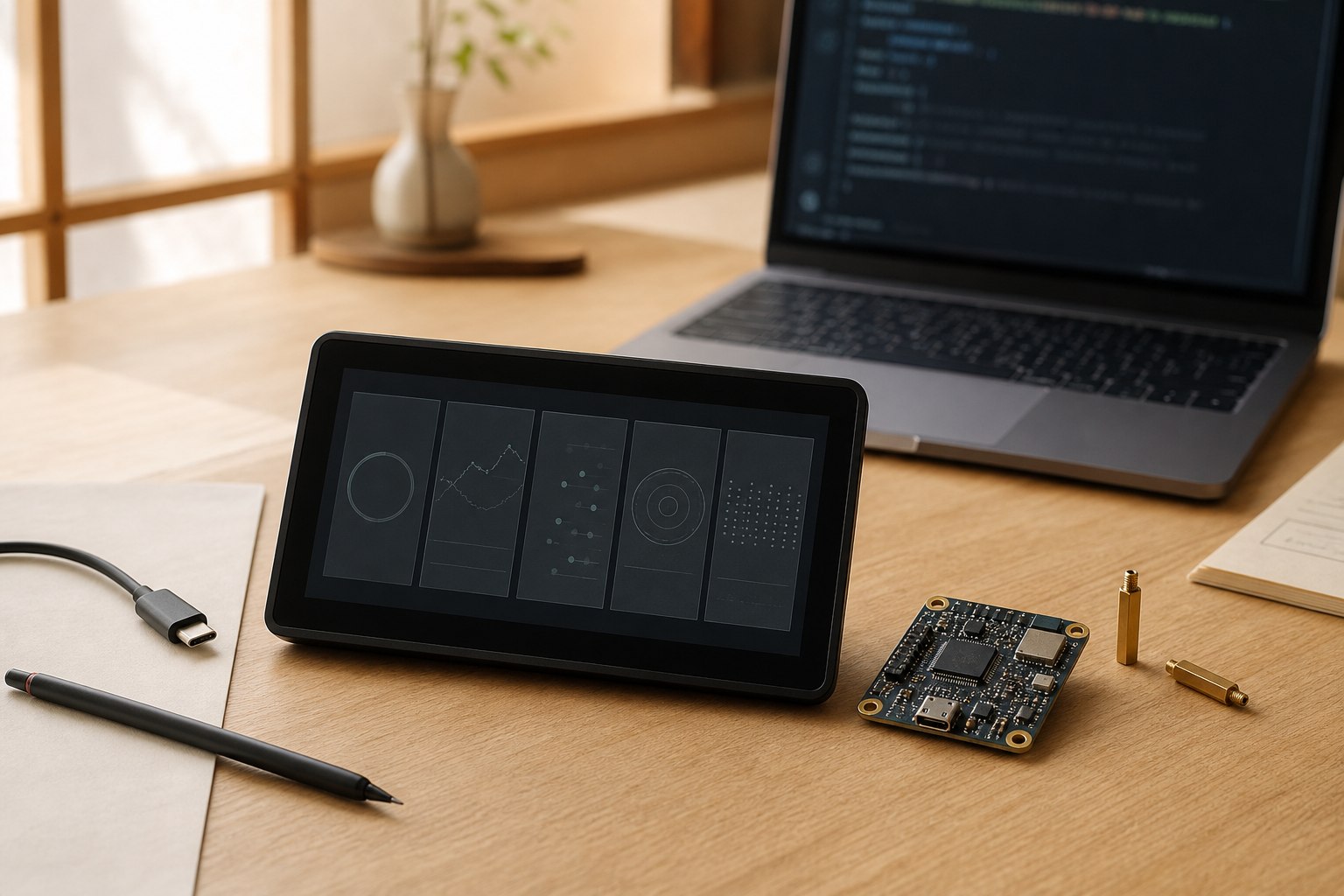
The launcher is data-driven rather than hand-wired screen by screen. Apps 11–15 deliberately share one content engine; adding material to a module means editing removable SD-card JSON, not rebuilding the firmware.
typedef struct mos_app_s {
    uint8_t id;                  /* 1..16, shown on the tile */
    mos_group_t group;
    const char *name;
    const char *subtitle;
    const char *content_dir;     /* SD path for content apps */
    void (*open)(const struct mos_app_s *self);
} mos_app_t;

#define MOS_APP_COUNT 16
extern const mos_app_t MOS_APPS[MOS_APP_COUNT];

/* Apps 11..15 share app_matchos_open().
 * Their content_dir is the only difference: one JSON engine,
 * five MATCH//OS modules, no firmware rebuild for new content. */
NO LIVE CREDENTIALS FOUND · NOT HARDWARE-BUILD-VERIFIED HERE
[ 04 / HIDDEN SIGIL ]
7 TAPS · 4 SECONDS
Seven taps on the wordmark within four seconds open a local screen with no tile and no ordinary route. Its discovery count lives in device NVS, and nothing phones home.
#define MOS_EGG_TAPS_REQUIRED 7
#define MOS_EGG_WINDOW_US (4 * 1000 * 1000LL)

/* The private signature remains inside firmware .rodata. */
extern const char MOS_EGG_SIGIL[];

if (++s_taps >= MOS_EGG_TAPS_REQUIRED) {
    s_taps = 0;
    mos_egg_open();
}SIGNATURE EMBEDDED · LOCAL ONLY